
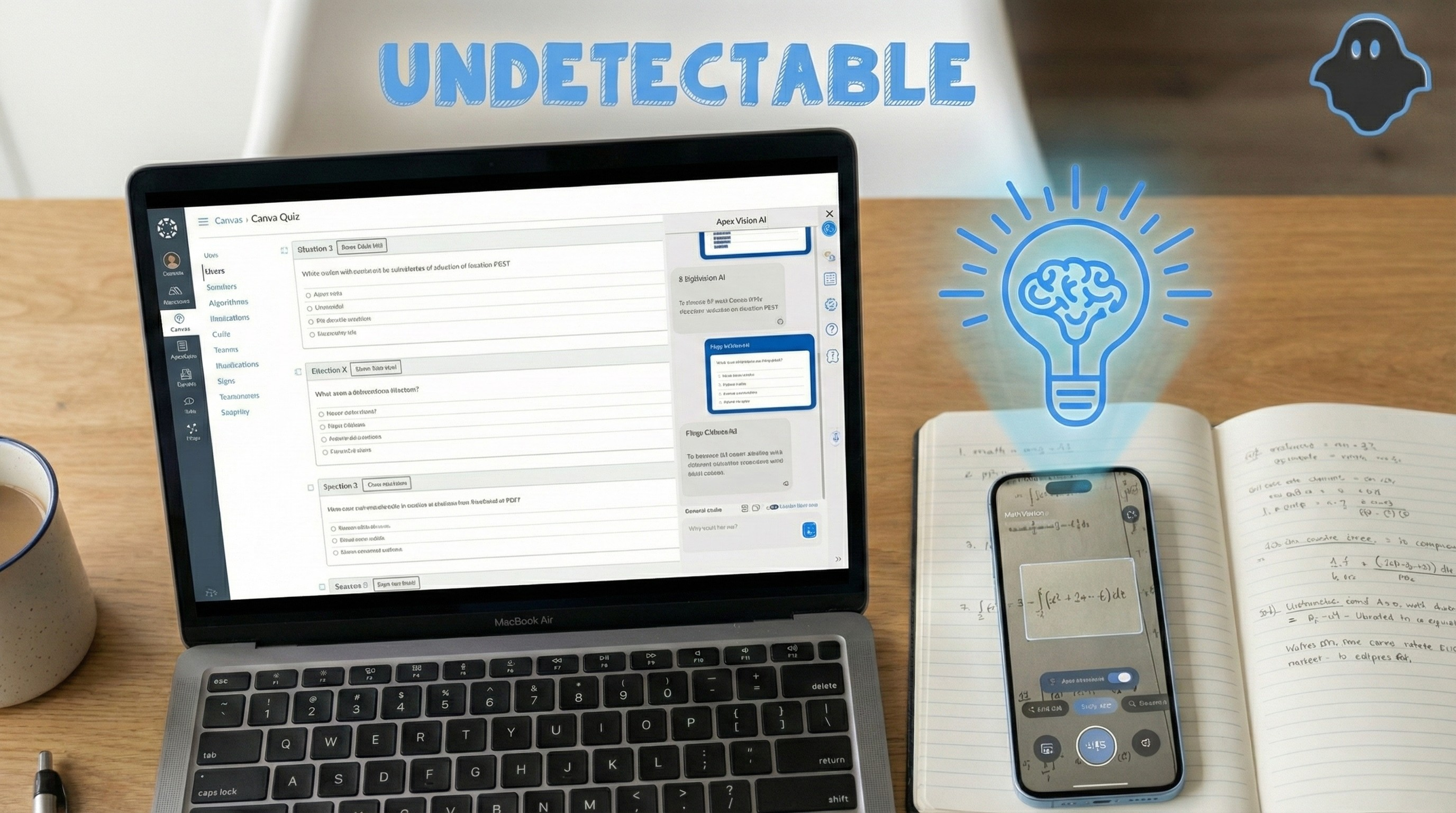
The academic landscape has fundamentally shifted. If you are a student in late 2025, you aren’t just battling difficult calculus problems or 10-page history papers—you are fighting a war on two fronts.
On one side, you have an impossible workload. The average college student in 2025 is assigned 30% more reading material than in 2020. On the other side, you have an aggressive surveillance network. Universities have adopted AI detection software like Turnitin and GPTZero, alongside Learning Management Systems (LMS) like Canvas and Blackboard that track your every mouse click, tab switch, and idle second.
The old ways of studying are dead. Googling a question usually leads to a paywalled Chegg link or a Reddit thread that was deleted by moderators. Professors are now using AI to write questions that are specifically designed to trip up standard chatbots. This hostile environment has led to the rise of the AI homework helper: a sophisticated digital tutor designed to explain, solve, and guide you through your coursework in real-time.
But here is the dangerous truth: Not all tools are safe.
Some AI tools are brilliant tutors that will help you master the material. Others are “snitches” that collect your data and share it with academic integrity officers. And many are simply “hallucination machines” that will confidently give you the wrong answer, tanking your GPA.
In this comprehensive guide, the Apex Vision team spent 300+ hours testing the biggest names in the industry—Chegg, Brainly, ChatGPT, and Apex Vision—to find the only tool that is accurate, affordable, and truly undetectable in the current academic climate.
🧠 Stop Reading, Start Solving
Don’t want to read a 3,000-word guide? Test our AI Homework Helper for free, instantly.
🎥 Watch: Apex Vision vs Chegg Detection Test
See the 30-second screen capture demonstration comparing how Apex Vision and Chegg perform on Canvas—including detection avoidance testing:
🔬 Real test comparing Apex Vision’s stealth overlay vs Chegg’s detectable tab-switching on Canvas LMS
Part 1: The Competitor Review (The Honest Truth)
We didn’t just read their marketing pages. We bought subscriptions to every major service and used them for Calculus II integrals, Organic Chemistry structures, and Freshman English essays. Here is the brutal truth about the state of the market in November 2025.
Chegg Study: The Risky Giant
For over a decade, Chegg was the gold standard for students. In 2025, however, using Chegg is a massive liability for your academic record.
Brainly: The “Reddit” of Homework
Brainly bills itself as a “community learning platform.” Think of it as a social network for homework.
ChatGPT (OpenAI): The Detectable Generalist
By late 2025, everyone has a ChatGPT account. It is the default tool for brainstorming, but for homework, it has fatal flaws.
Part 2: The Apex Vision Advantage (Why We Built This)
We saw a gap in the market. Students needed a tool that combined the textbook accuracy of Chegg with the speed of ChatGPT, but without the “snitching” or the tab-switching risks. That is why we built Apex Vision AI.
The “Stealth Overlay” Technology
Unlike ChatGPT, Apex Vision lives inside your browser as a discreet extension. It injects a sidebar directly into your LMS (Learning Management System).
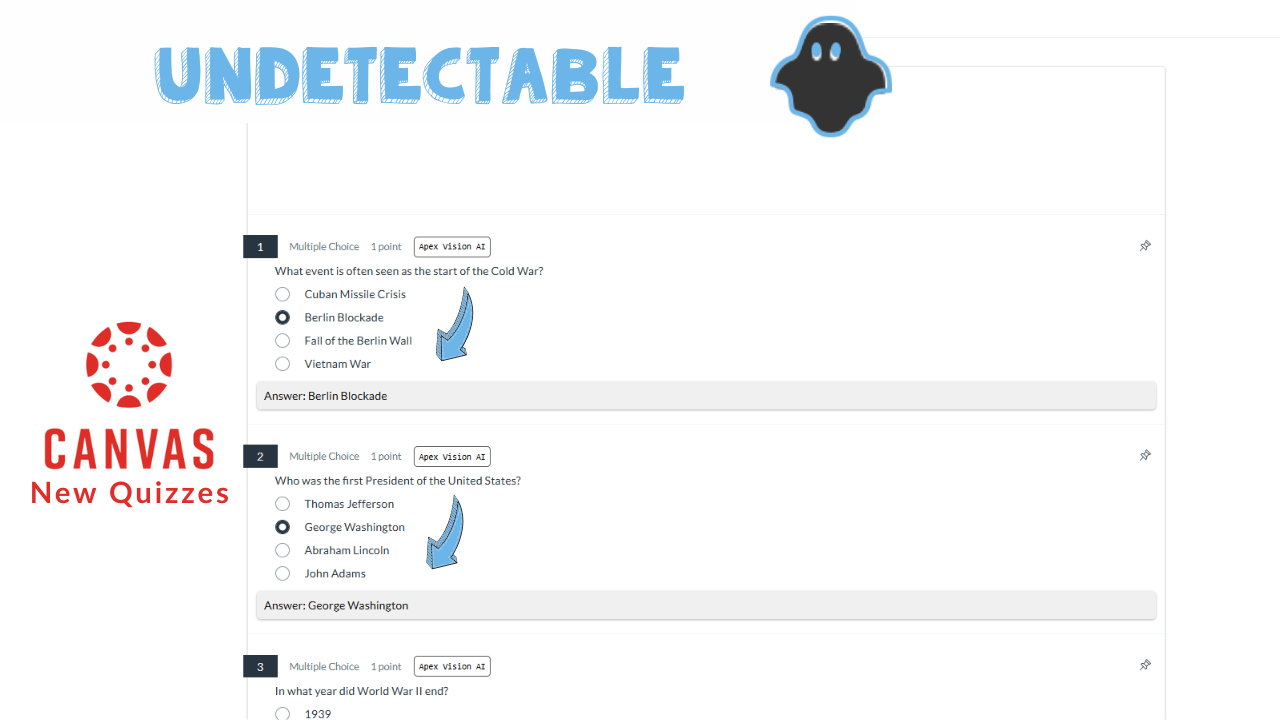
How it works: When you are on a Canvas quiz, you simply press Alt+C. The sidebar appears. You do not switch tabs. You do not copy-paste. To the Canvas tracking logs, it looks like you are simply staring at the question, thinking deeply. This bypasses the “tab switching” red flag entirely.
🎬 See It In Action: Instant Answer Demo
Watch how Apex Vision AI provides instant answers directly on your screen—no tab switching, no copy-pasting:
The Apex Vision AI pop-up instantly solves questions right where you’re working
Visual Problem Solving (OCR 2.0)
Math and Science are visual. You cannot type a chemical benzene ring or a complex integral graph into a text box. Apex Vision utilizes advanced Optical Character Recognition (OCR).
Our “Snapshot” tool allows you to draw a box around any part of your screen—a graph, a chart, a diagram, or a PDF. The AI analyzes the visual pixels, converts them into mathematical data, and solves the problem instantly. This is the only way to solve image-based questions on platforms like McGraw-Hill Connect or WebAssign.
Take Apex Vision AI Anywhere with Our Mobile App
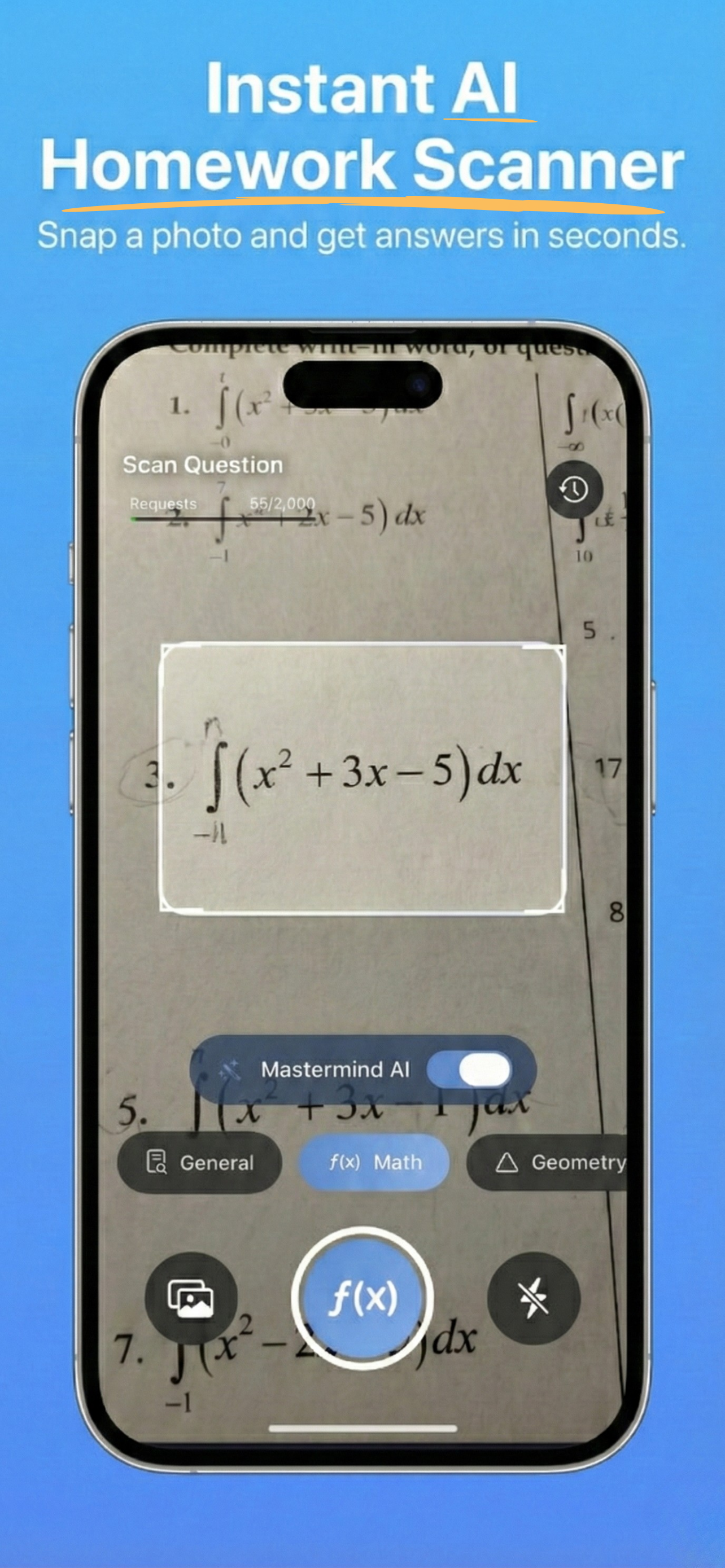
Apex Vision AI isn’t just for your desktop—it’s also available as an iOS mobile app! Now you can use Apex AI on your mobile devices for ultimate flexibility.
- 📸 Capture Physical Worksheets: Simply point your camera at any math problem, equation, or diagram on your physical worksheet and get instant solutions
- 📖 Study On-The-Go: Whether you’re on the bus, at a coffee shop, or in the library, access AI-powered homework help anywhere
- 🔄 Cross-Device Experience: Start on your phone, continue on your laptop—your study session syncs seamlessly across all devices
- ✨ Same Accuracy, Mobile Convenience: Get the same 93%+ accuracy you trust from the browser extension, now in your pocket
The “Humanizer” Engine
We don’t output raw AI text. Professors use detectors like Turnitin which flag “robotic” sentence structures (low perplexity). Our proprietary Humanizer Engine rewrites every answer before you see it. It varies sentence length, uses active voice, and introduces natural “burstiness” to the text.
- ✓ Turnitin Score: consistently <5% Detection Risk
- ✓ GPTZero Score: Rated “Likely Human Written”
- ✓ Style Match: You can adjust the tone from “Academic” to “Casual Student”
Part 3: Real-World Scenarios (Step-by-Step Guide)
How does Apex Vision actually fit into your late-night study sessions? Here are three detailed walkthroughs of how our users leverage the tool.
Scenario A: The Timed Calculus Midterm
- You press Alt+C to open the Apex sidebar. (See our Getting Started guide for setup instructions.)
- You select the “Crop” tool and drag a box around the graph on your screen.
- The Magic: Apex Vision doesn’t just give you the answer (e.g., “4”). It generates a step-by-step breakdown: “First, identify the horizontal asymptote at y=4…”
- You enter the answer, but more importantly, you read the explanation so you actually understand the concept for the final exam.
Scenario B: The History Discussion Post
- You highlight the reading passage directly on the Canvas page.
- You right-click and select “Apex: Summarize & Respond”.
- The AI generates a 3-point summary to help you understand it.
- You click “Generate Response”. The AI drafts a response.
- The Safety Step: You use the “Humanize” slider to ensure it sounds like an undergrad student. Turnitin won’t flag you.
Scenario C: The Coding Assignment
- You highlight your broken code block.
- You ask Apex Vision: “Why is this loop failing? Don’t write the code for me, just explain the logic error.”
- Apex acts as a “Pair Programmer.” It highlights that you missed a colon on line 4 and that your indentation is off. You fix it yourself, learning the debugging process, and pass the unit tests.
Part 4: The 2025 Showdown
We believe in data. Here is how the top tools stack up when strictly comparing features relevant to modern students.
Apex Vision AI
The Only Undetectable Solution| Feature |
👑
Apex Vision AI
|
Chegg Study | ChatGPT Plus |
|---|---|---|---|
|
Accuracy (STEM)
|
|||
|
Undetectable?
|
✓ Stealth Mode | ✗ Logs Shared | ✗ Tab Detected |
|
Works on Canvas?
|
✓ Overlay Mode | ✗ Separate Tab | ✗ Separate Tab |
|
Privacy
|
100% Anonymous | ⚠️ Shares with Schools | 📱 Phone Required |
|
Monthly Cost
|
FREE / $7.99 |
$19.95/mo
|
$20.00/mo
|
Frequently Asked Questions (FAQ)
Get answers to the most common questions about AI homework helpers and Apex Vision.
Is using an AI homework helper considered cheating?
It depends entirely on how you use it. If you use AI to copy-paste answers blindly during a closed-note exam, that is academic dishonesty. However, using Apex Vision to explain difficult concepts, breakdown complex problems into steps, or outline essays is modern studying. We built Apex Vision to act as a 24/7 tutor, not a tool to bypass learning. We encourage all users to follow their institution’s honor code.
Can Canvas detect the Apex Vision extension?
No. Canvas runs on the server side; it cannot “see” what other browser extensions you have installed on your local machine (Chrome/Edge/Brave). Because Apex Vision operates as a visual overlay on top of the browser window, the Canvas tracking scripts only see that you are active on the page. They do not detect the overlay window or the data processing happening locally.
Does this work for proctored exams (LockDown Browser)?
Apex Vision is a browser extension, so it works on any standard browser (Chrome, Edge, Brave, Arc). It does not inject into locked applications like LockDown Browser. We do not recommend attempting to bypass strict proctoring software. Apex Vision is designed for homework, quizzes, and open-book exams on platforms like Canvas, Blackboard, Moodle, and McGraw-Hill.
How accurate is the math solver compared to Photomath?
Photomath is great for algebra, but it struggles with word problems and higher-level Calculus. Apex Vision uses a multimodal LLM (Large Language Model) specifically fine-tuned on STEM data. This means it can read a word problem, understand the context, set up the equation, and then solve it. It is significantly more capable for college-level physics and engineering problems.
Study Smarter, Not Harder
The class of 2026 isn’t going to survive on rote memorization. They are going to survive by being resourceful.
You can stick to the old tools—paying $20/month for Chegg to potentially sell you out, or copy-pasting from ChatGPT and risking a plagiarism flag. Or, you can upgrade your workflow today.
Apex Vision is the only AI homework helper built for the reality of 2025: private, integrated, and accurate.
No credit card required • Works on Chrome, Edge & Brave
Leave a Reply