Compare AI homework helpers for accuracy, explanations, platform coverage, privacy, value, and responsible student use.
Updated August 27, 2026
What is the best AI homework helper?
The best AI homework helper is the one that shows its working on the question you are actually looking at. General chatbots answer pasted text without your course context, and answer-sharing sites only help if someone already posted your problem. Apex Vision AI works on the page inside Canvas, Blackboard, Moodle and most other systems, reads diagrams and answer choices, and returns step-by-step reasoning you can check before you rely on it.
WP
Apex Vision AI Editorial TeamProduct publisher
Reviewed Aug 27, 2026
12 min read
AI homework tools can make study workflows more convenient, but they can also produce confident mistakes. The best choice is the one whose reasoning you can inspect, whose data practices you understand, and whose use your course permits.
Students balance demanding workloads across learning platforms such as Canvas and Blackboard. A useful homework assistant should fit into that workflow, explain its reasoning, and help students review the material without unnecessary tab switching.
Different tools emphasize different workflows: textbook libraries, community answers, general-purpose chat, or on-page browser assistance. Features, pricing, and policies change, so check each provider’s current documentation.
Disclosure: This guide is published by Apex Vision AI and compares our product with alternatives. It is not an independent review, and we do not claim a controlled head-to-head accuracy benchmark.
With totals updated October 6, 2026, the Chrome Web Store listing showed Apex Vision AI as Featured, with 8,000 users and a 4.9/5 rating from approximately 2k+ ratings. Those figures measure store adoption and ratings, not answer correctness.
Stop Reading, Start Solving
Don’t want to read a 3,000-word guide? Test our AI Homework Helper for free, instantly.
8,000 Chrome usersFeatured on Chrome Web StoreUse only where permitted
Watch: Apex Vision vs Chegg Workflow Comparison
See the 30-second screen capture demonstration comparing how Apex Vision and Chegg work on Canvas:
Side-by-side test: solving a Canvas question with an on-page overlay vs. tab-switching to Chegg
Product options
Part 1: Compare the Workflow, Evidence, and Terms
This section is written by the Apex Vision AI team. It summarizes broad product categories rather than claiming an independent performance ranking. Verify current features, prices, and privacy terms on each provider’s official site.
Option
Chegg Study
A separate homework-help and textbook-solution workflow. Check current subject coverage, access terms, pricing, and data practices directly with Chegg.
Option
Brainly
A community-centered question-and-answer workflow. Answer quality can vary by contributor, so check explanations and sources.
Option
ChatGPT
A general-purpose conversational assistant. Results vary by model, prompt, and supplied context; verify calculations and citations.
Part 2: The Apex Vision Advantage (Why We Built This)
We saw a gap in the market. Students needed the worked-solution depth of Chegg with the speed of ChatGPT, without breaking their concentration every time they got stuck. That is why we built Apex Vision AI.
Why does working on the page beat copying into a chatbot?
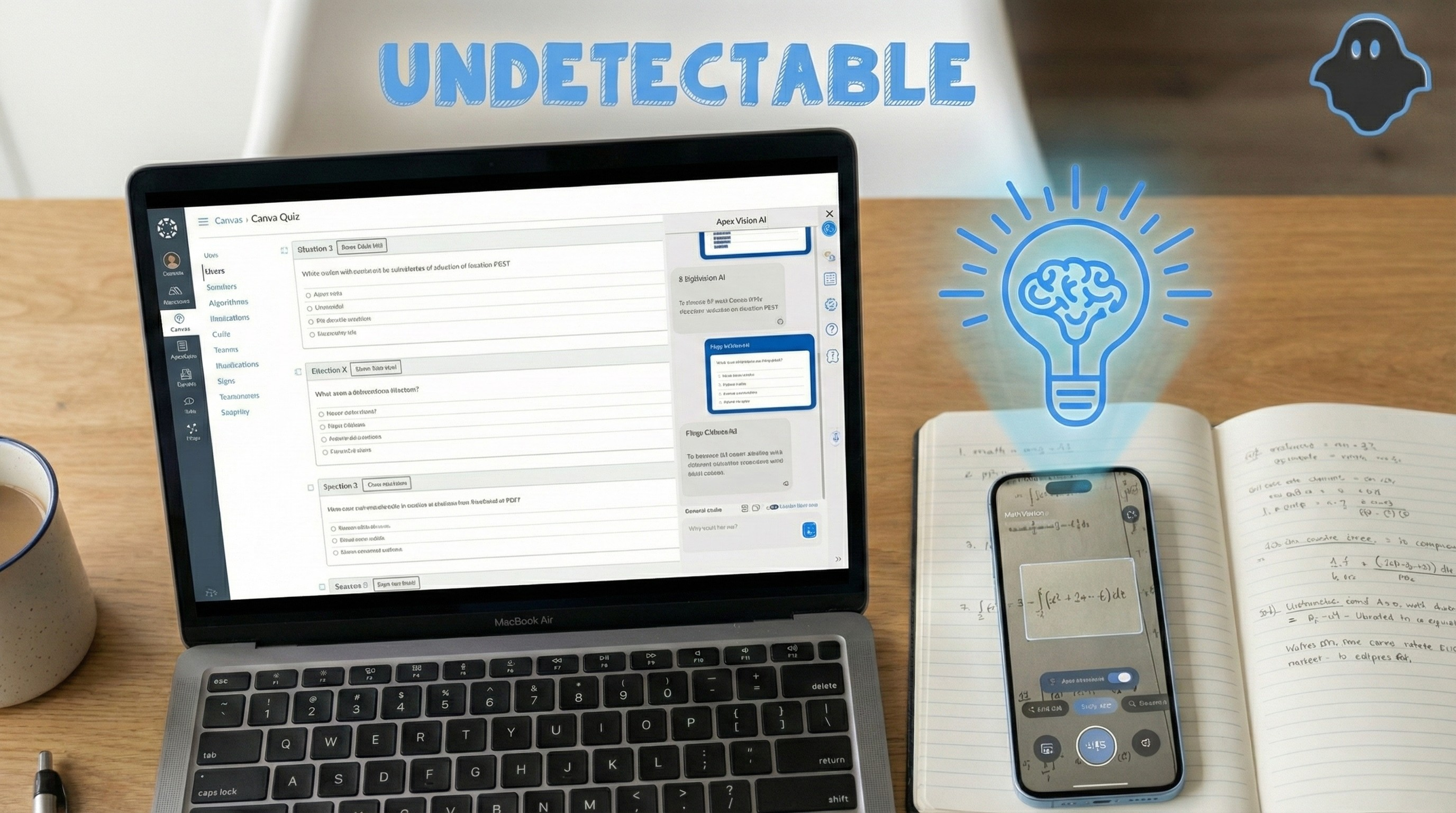
Because the question never leaves its context. Unlike ChatGPT, Apex Vision AI lives inside your browser and opens a sidebar directly in your LMS, so it can read the diagram, the answer choices and the wording exactly as your instructor set them. Nothing is lost in the copy-paste, and you keep your place in the assignment.
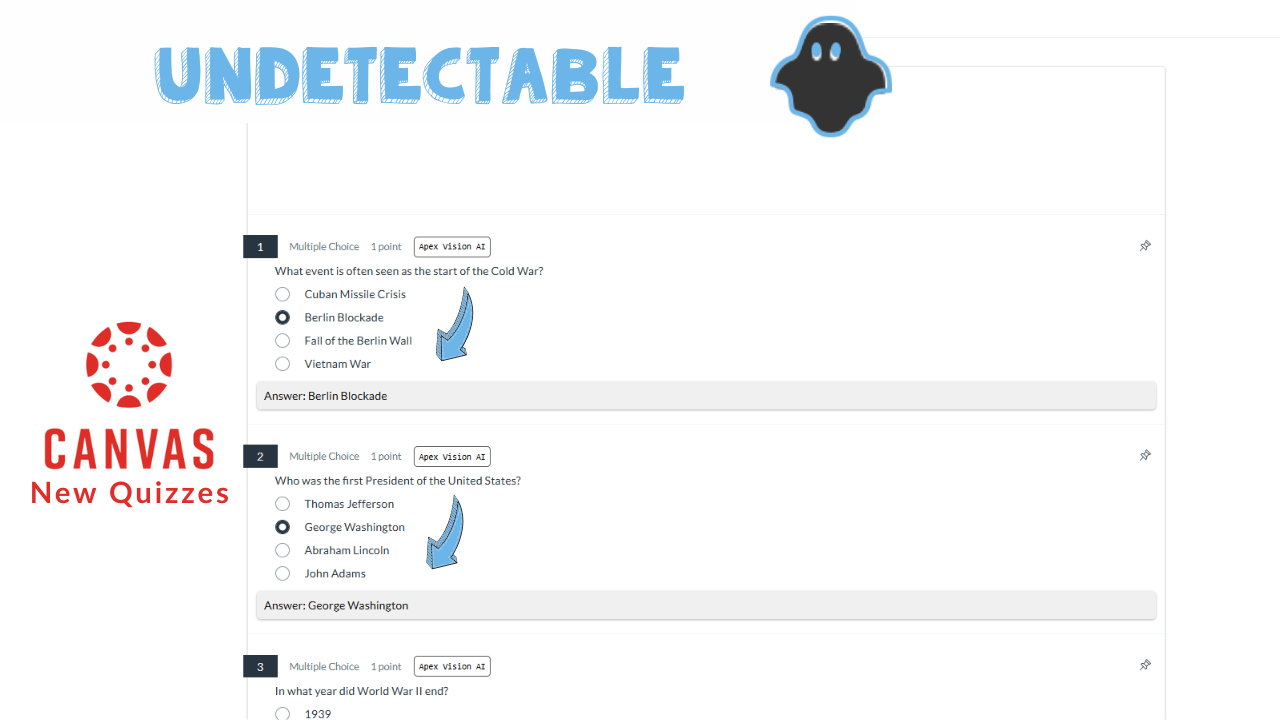
Apex Vision AI controls shown beside a supported Canvas page
How it works: When you are working through a Canvas assignment, press Alt+C and the sidebar appears beside the question. No tab switching, no copy-paste, no retyping a formula that the AI then misreads. You get the worked steps next to the original question, which makes it far easier to check the reasoning against what your course actually taught. For the full Canvas workflow, see the Canvas quiz solver guide.
See the On-Page Workflow
Watch how Apex Vision AI requests an answer beside a supported page. Response time and quality vary:
The Apex Vision AI pop-up instantly solves questions right where you’re working
Visual Problem Solving (OCR 2.0)
Math and Science are visual. You cannot type a chemical benzene ring or a complex integral graph into a text box. Apex Vision utilizes advanced Optical Character Recognition (OCR).
Our “Snapshot” tool allows you to draw a box around part of your screen—a graph, chart, diagram, or PDF—and request an AI-generated explanation. Image interpretation can fail, especially with cropped labels or low-quality captures, so verify the response. See the McGraw-Hill Connect study guide for one supported workflow.
NEW: iOS App Available
Take Apex Vision AI Anywhere with Our Mobile App
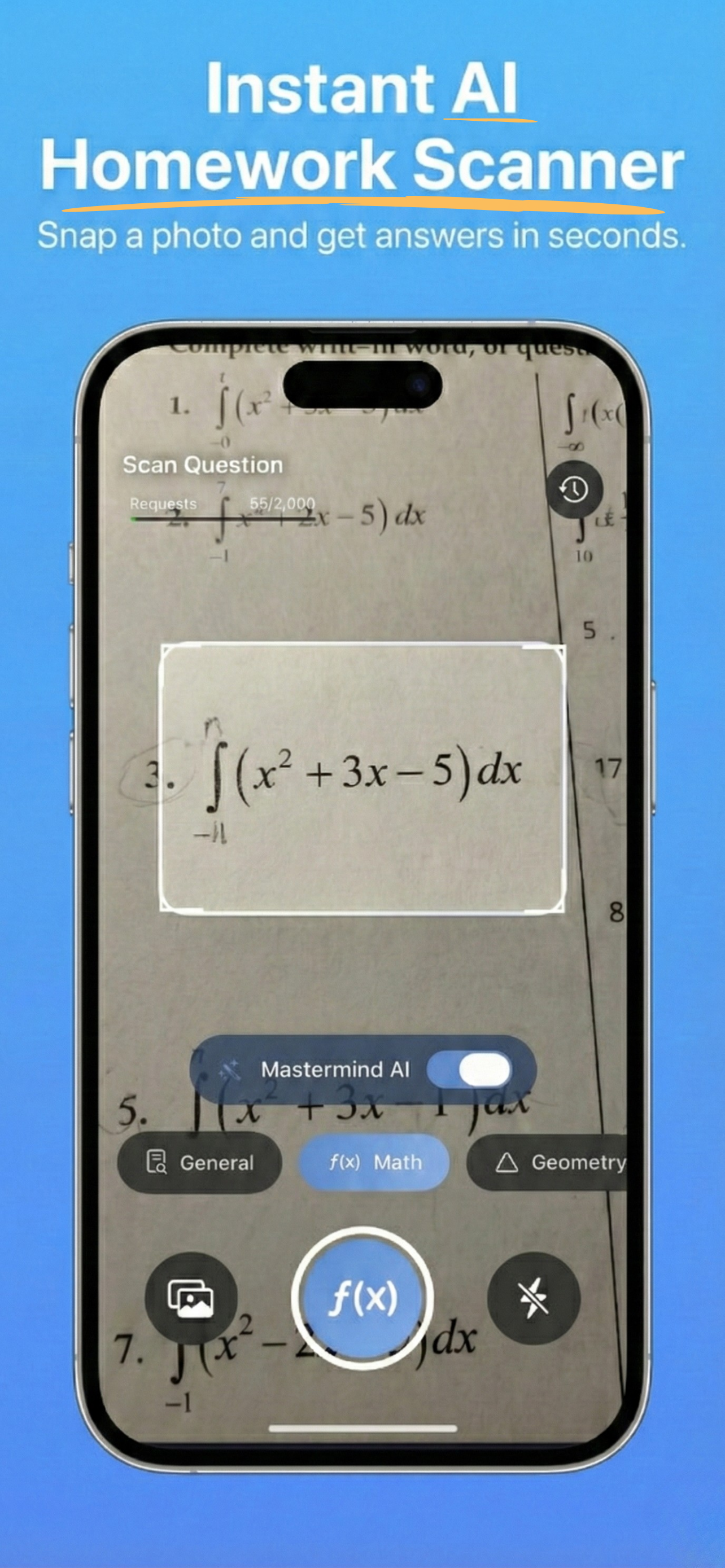
Apex Vision AI is also available as an iOS mobile app. Features and availability can differ from the browser extension.
Capture Physical Worksheets: Photograph a clear, visible problem, equation, or diagram and request a proposed solution; image interpretation can fail, so verify it
Study On-The-Go: Whether you’re on the bus, at a coffee shop, or in the library, access AI-powered homework help anywhere
Mobile and Browser Options: Choose the available app or extension for the device you are using; features and saved state can differ by platform
Mobile Convenience: Request explanations from a phone; answer quality varies by question and image quality
Writing Tone Controls
Writing tools can adjust tone and structure, but no feature can guarantee that automated detectors will classify text in a particular way. Treat generated writing as a draft, verify its sources, and revise it in your own words under your course rules.
Writing support: adjustable tone from academic to conversational
No detector guarantee: classification tools can be inconsistent
Student responsibility: cite sources and submit work you understand
Use cases
Part 3: Responsible Study Workflows
Use AI where your instructor permits it, and treat every response as something to inspect rather than an answer key.
Practice a Calculus Problem
Capture a graph from a practice set, ask for the reasoning, and compare each step with the method taught in class.
Outline a Discussion Response
Summarize the assigned source, identify evidence, then write and cite the response in your own words.
Debug Code Without Copying a Solution
Ask for an explanation of the error, make the correction yourself, and run the course tests to verify it.
Evidence snapshot
Part 4: What We Can Support Publicly
Store evidence can support adoption and rating claims. It does not establish answer accuracy or prove superiority over another product.
Generated explanations are available for supported workflows
Check the current product and plan
How accurate is it?
Varies by question, input quality, and model; verify the response
Varies; verify with an authoritative source
What data is processed?
Review the current Apex Vision AI privacy policy
Review each provider’s current privacy policy
What does it cost?
See current subscription options
See current provider pricing
Common Questions
Frequently Asked Questions (FAQ)
Get answers to the most common questions about AI homework helpers and Apex Vision.
Is using an AI homework helper considered cheating?
It depends entirely on how you use it. Copying AI output during a closed-note exam can violate academic-integrity rules. Apex Vision AI is intended to support permitted practice, explanations, and drafting, not to replace learning or bypass assessment rules. Follow your institution’s honor code and verify generated material.
Am I allowed to use Apex Vision AI with Canvas?
That depends on your course, and it is worth checking before you start. Some courses permit AI study tools for homework, revision, or practice problems, while others restrict them. Apex Vision AI is intended for permitted study support and can generate reasoning you can inspect, but it is not built to get around assessment rules. Do not use it on closed-book or proctored work. If your syllabus is unclear, ask your instructor.
Does this work for proctored exams (LockDown Browser)?
The extension is distributed through the Chrome Web Store and may work in some Chromium-based browsers, but compatibility can vary. It does not alter locked applications such as LockDown Browser. Do not attempt to bypass proctoring software; use Apex Vision AI only on coursework where assistance is permitted.
How accurate is the math solver compared to Photomath?
No universal comparison is supportable without a current, reproducible benchmark. Apex Vision AI can process text and images, but results vary by question, image quality, and model. Compare both tools on representative questions and verify the work.
8,000 Chrome users as of October 6, 2026
Study Smarter, Not Harder
Students do not have to rely on rote memorization alone. Strong study habits come from being resourceful: asking better questions, checking explanations, and using the right tool for the job.
Try the workflow on practice questions, read the explanations, and compare them with your course materials before deciding whether it fits your study habits.
Apex Vision is an AI homework helper with browser and mobile study tools. Generated answers can be wrong, and use must follow your course rules.
Built for Study Support
Answers to Verify
Explanations to Check
4.9/5 on Chrome Web StoreApproximately 2k+ ratings (updated October 6, 2026)
Free to install • Check current browser compatibility
Try it on the question you are actually stuck on
Apex Vision AI is a Chrome extension and mobile app that reads the question already open on your screen — including diagrams and answer choices — and explains it step by step, without you copying anything into a separate chatbot. It works inside Canvas, Blackboard, Moodle and Top Hat.