Highlight the question or snap a photo
Which statement best describes the outcome of mitosis?
Your complete AI study companion for Canvas, Blackboard, and any LMS — clear, step-by-step help for homework, essays, and exam prep.
Apex Vision AI is an AI study platform for Chrome, iOS, and Android. Its AI homework helper explains typed or uploaded questions, while the AI Chrome extension works beside the coursework already open on your screen.
Free AI study tools for students — turn notes, textbooks, slides and screenshots into study guides, flashcards, practice exams, worked math solutions and essay drafts.
Step-by-step help for any assignment.
Comprehensive study materials.
Memorize concepts faster.
Prepare for any exam.
Write better papers faster.
Scan equations and learn with clear, step-by-step walkthroughs.
Here's exactly what happens in the seconds after you ask — and why you walk away understanding the question, not just answering it.
Which statement best describes the outcome of mitosis?
Example based on a typical student workflow — timing and results vary by subject and question complexity.
A general assistant sees a block of pasted text. Apex Vision AI sees the question you're actually on — the diagram, the answer choices, the subject — and works from that. It also adapts to your level, your course materials and how you prefer to be taught.
No copying questions into another tab. Apex works on the page you're already on — Canvas, Blackboard, Moodle, Top Hat and virtually any LMS in your browser.
A calculus problem and a philosophy essay don't need the same engine. Apex routes each question to the model that handles it best — you never have to choose.
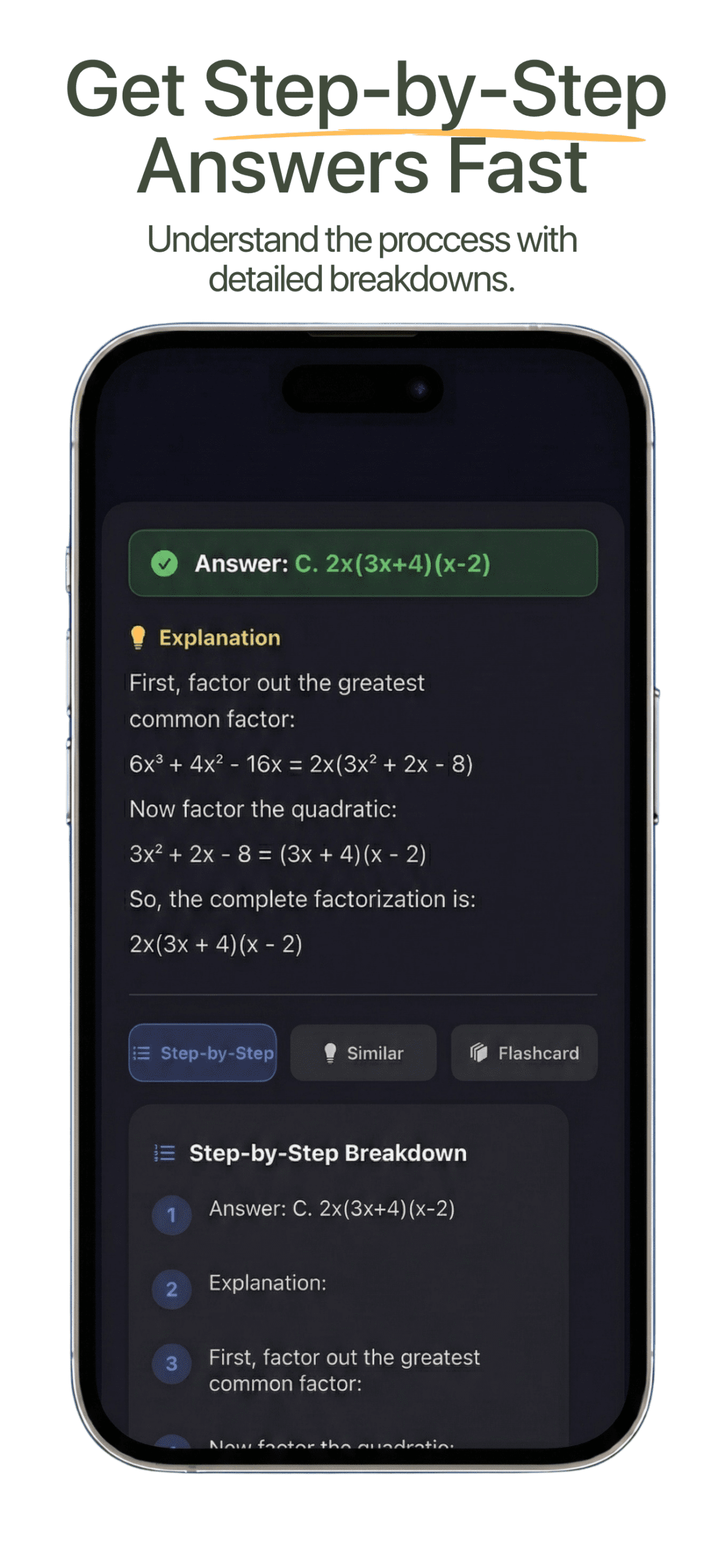
Every answer comes back with the reasoning laid out, plus the sources behind it where they exist — so you can check it before you rely on it.
Voice Tutor understands the page you're on, so you can ask out loud and hear the explanation back. Ask follow-ups without restarting, and choose a short answer or the long version.
Guided Study works out where you're stuck and gives progressively stronger hints instead of the answer. It checks you've understood, then generates similar questions to prove it.
Add your syllabus, notes, slides or textbook and Apex works from your course, not a generic one. It adapts to your level and how much detail you actually want.
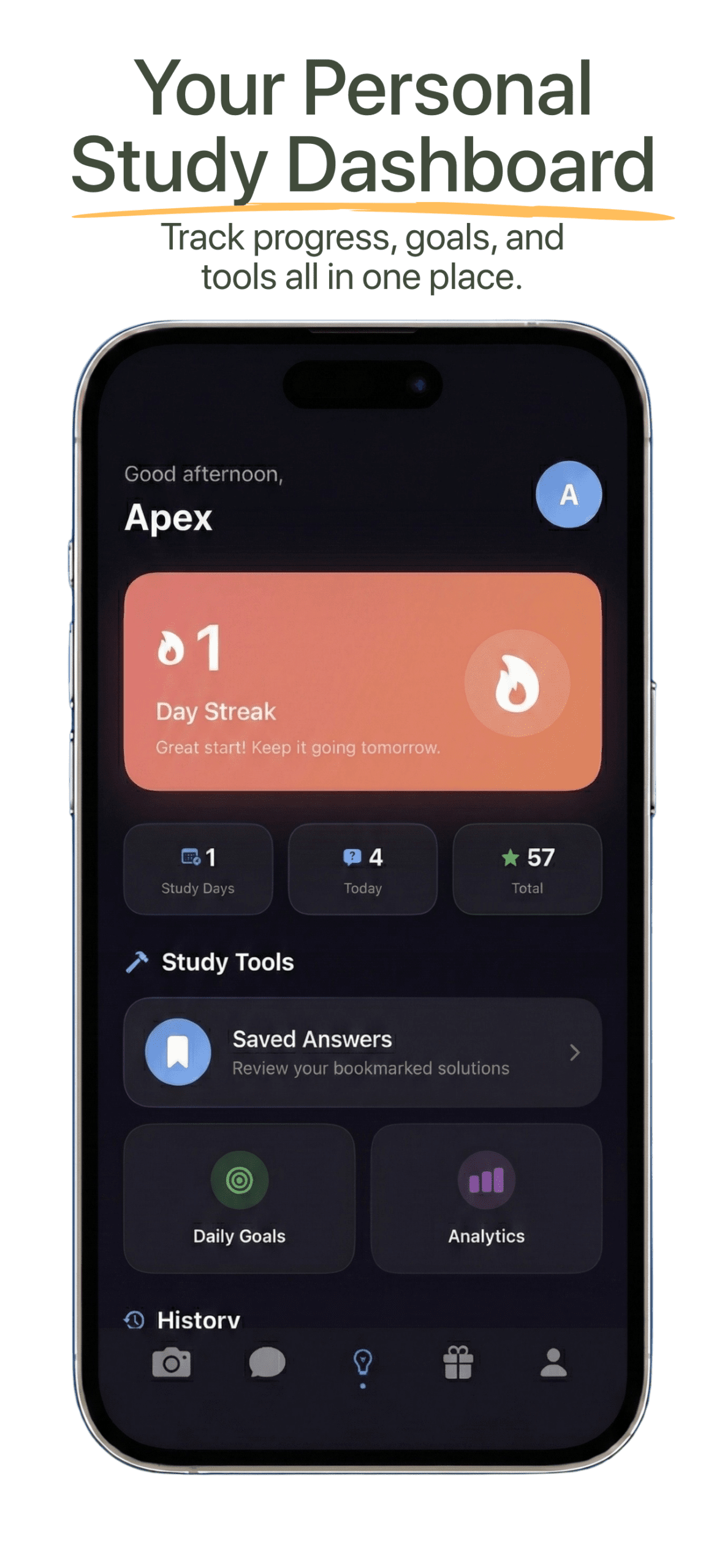
Every study tool you need — photo solver, step-by-step answers, AI tutor, flashcards, practice exams & study planner — all in one app.
Point your camera at any problem — textbook, worksheet, or whiteboard — and get quick, step-by-step guidance.
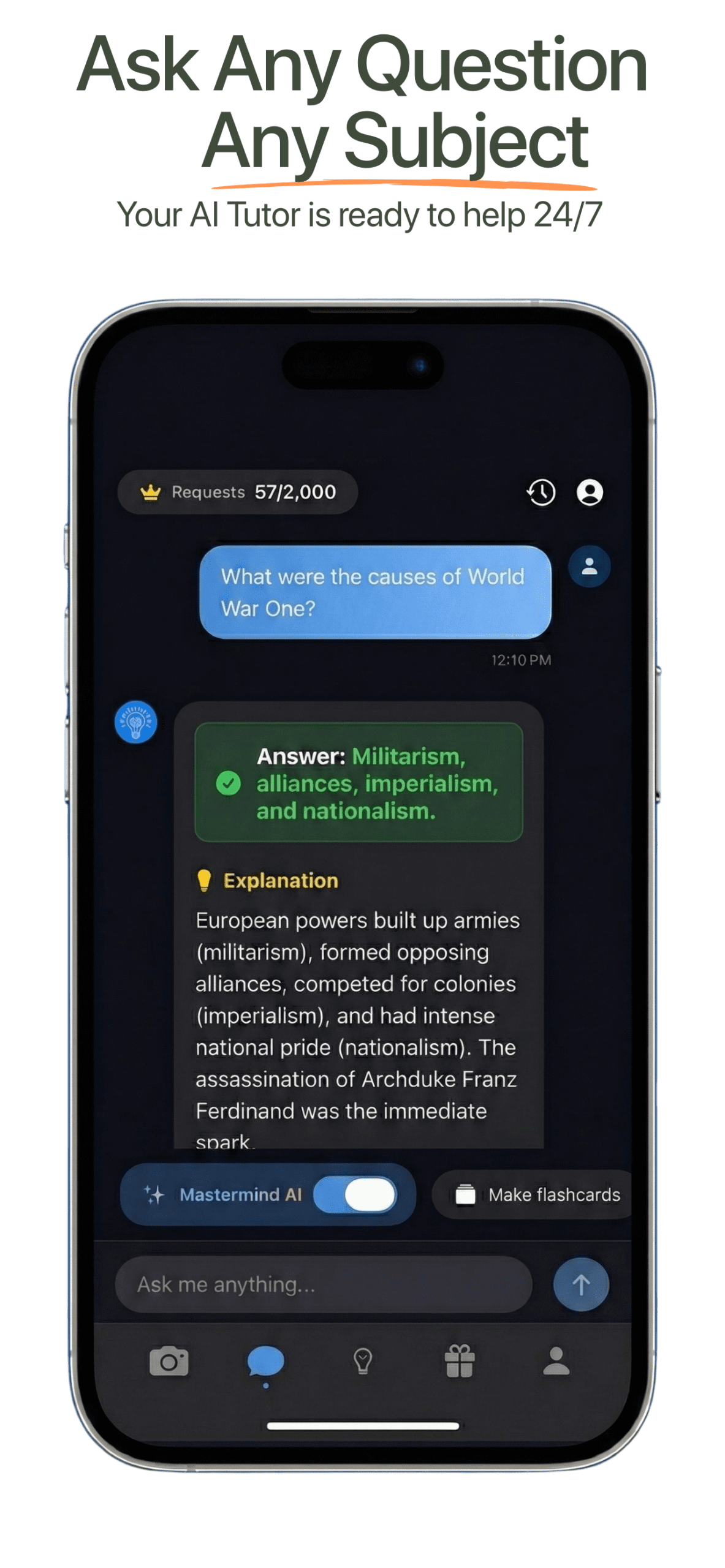
Ask unlimited follow-up questions. Your personal tutor that explains until you truly understand.
Auto-generated flashcards and practice tests from your study material.
Smart scheduling that adapts to your deadlines. Never cram again.
The three routes students take when they're stuck. Here's what each one actually does.
Comparison based on publicly available product information, August 2026. ChatGPT and Chegg are trademarks of their respective owners; Apex Vision AI is not affiliated with, endorsed by, or sponsored by either.
Start free with 30 daily requests. Upgrade anytime for more power.
Perfect for light users
Best for serious students
Great for regular users
Join thousands of students improving their grades with our AI study platform. 4.9★ rated on the Chrome Web Store →
"This is actually awesome. I downloaded it expecting my data to get stolen but completely clutched up for micro econ and got 100% right unlike Snap AI and other even GPT."

"Awesome extension—the explanations are clear and consistently helpful."

"Best extension for the price—no tab-hopping, smooth workflow, very accurate!"

"Helped me with practice quizzes and small assignments I struggled with! Very good resource for self checking!"

"Very good and got me A in every class."

"Helps me a lot with health science homework—better than Coursology."

"Works great! Very convenient and accurate."

"This extension actually works!!"

"I really like this extension! It helps really well with my homework. Despite the limited requests, I really recommend this!"

"Very useful and easy to use."

How the Chrome extension works inside Canvas, Blackboard, Moodle and Top Hat — plus accuracy, pricing, privacy and account questions.
Install the official Chrome extension, start with 30 free requests, and upgrade only if you need more.